
A media buyer can spend half an hour arguing over a few cents per click, only to overpay for three unnecessary transfers of their own money. We test creatives and compare offers, but when it comes to wallets, we often go with whatever someone dropped into the chat because it looked decent.
That works until the first inconvenient payout. Then you discover that you need another service to pay your designer, an exchange to buy a laptop, and your spending history looks like a detective novel with the last page missing.
A good crypto wallet eliminates at least that part of the day-to-day chaos. We selected six options for receiving payouts, paying your team and spending your earnings. We gave first place to Trustee Plus for what we consider the most convenient combination of these capabilities.
1. Trustee Plus
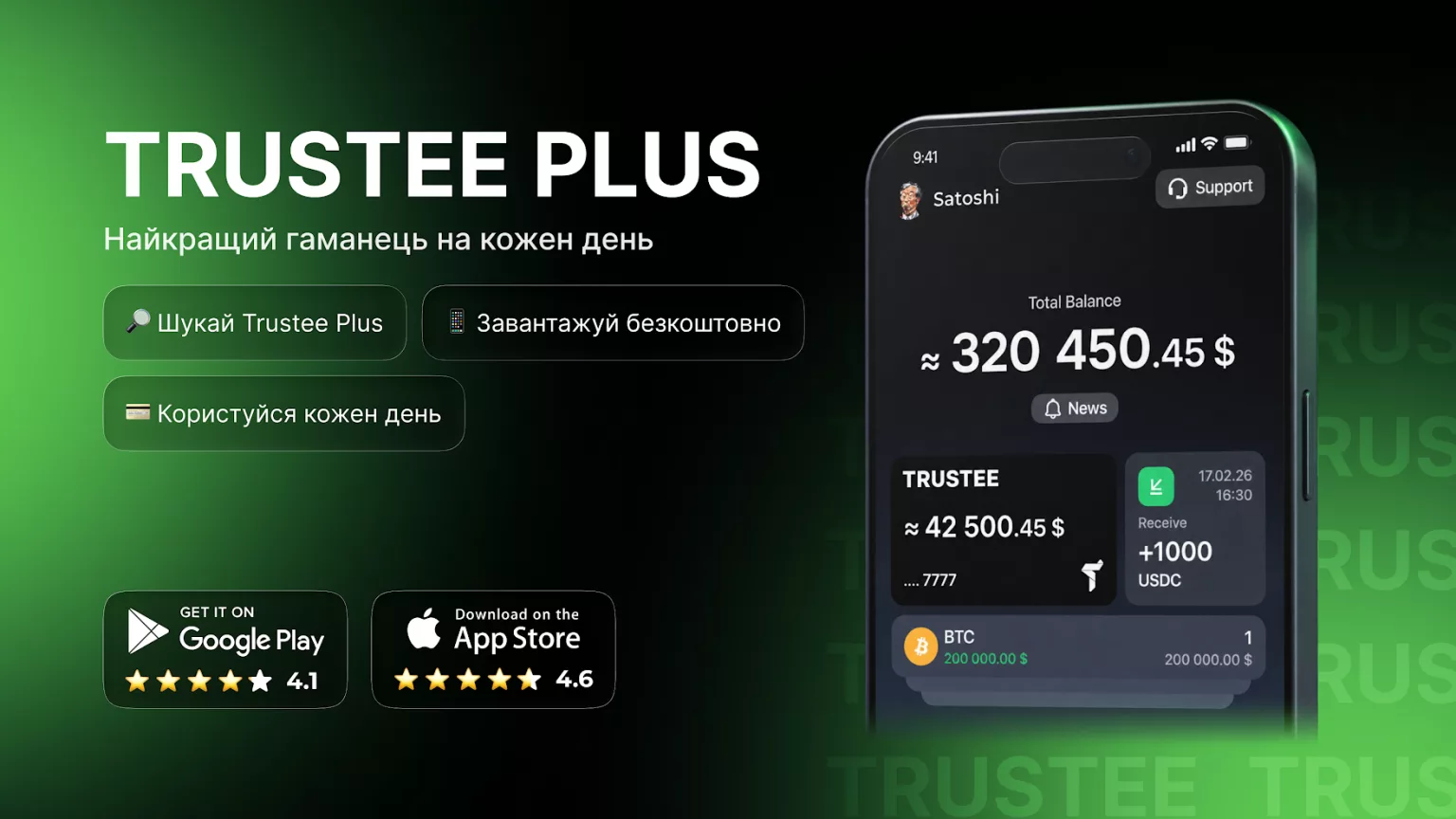
Trustee Plus is easy to picture as a media buyer’s primary wallet. Open the app, receive stablecoins, transfer the amount you need or top up your card. There’s no need to take a tour of crypto services every time you want to pay for an ordinary purchase.
You can use it to receive USDT and USDC across various supported networks and exchange cryptocurrencies. Payments between users are particularly well thought out. You can find someone by their phone number, ID or alias, and internal transfers are instant and fee-free. For regular payments to a video editor or designer, that saves a noticeable amount of time. Agree on a payment method once and simply keep paying that way.
If you already have your own team, bulk payouts will come in handy. You can upload a list of recipients and amounts as a CSV file. That’s considerably more convenient than repeating the same operation ten times while being interrupted by messages asking, “Have you sent mine yet?”
Another argument in favour of Trustee Plus is its payment card. After verification, you can apply for it in the app and top it up with USDT or USDC. Card details are available for online purchases, with Apple Pay and Google Pay support for payments by phone.
Work subscriptions, a new monitor, conference tickets or dinner after a successful launch — you can spend your earnings without looking for third-party exchanges.
That’s what puts Trustee Plus in first place. It’s convenient from your very first payout and doesn’t become too restrictive when you take on regular contractors, build a team and have more everyday expenses.
2. Bitget Wallet
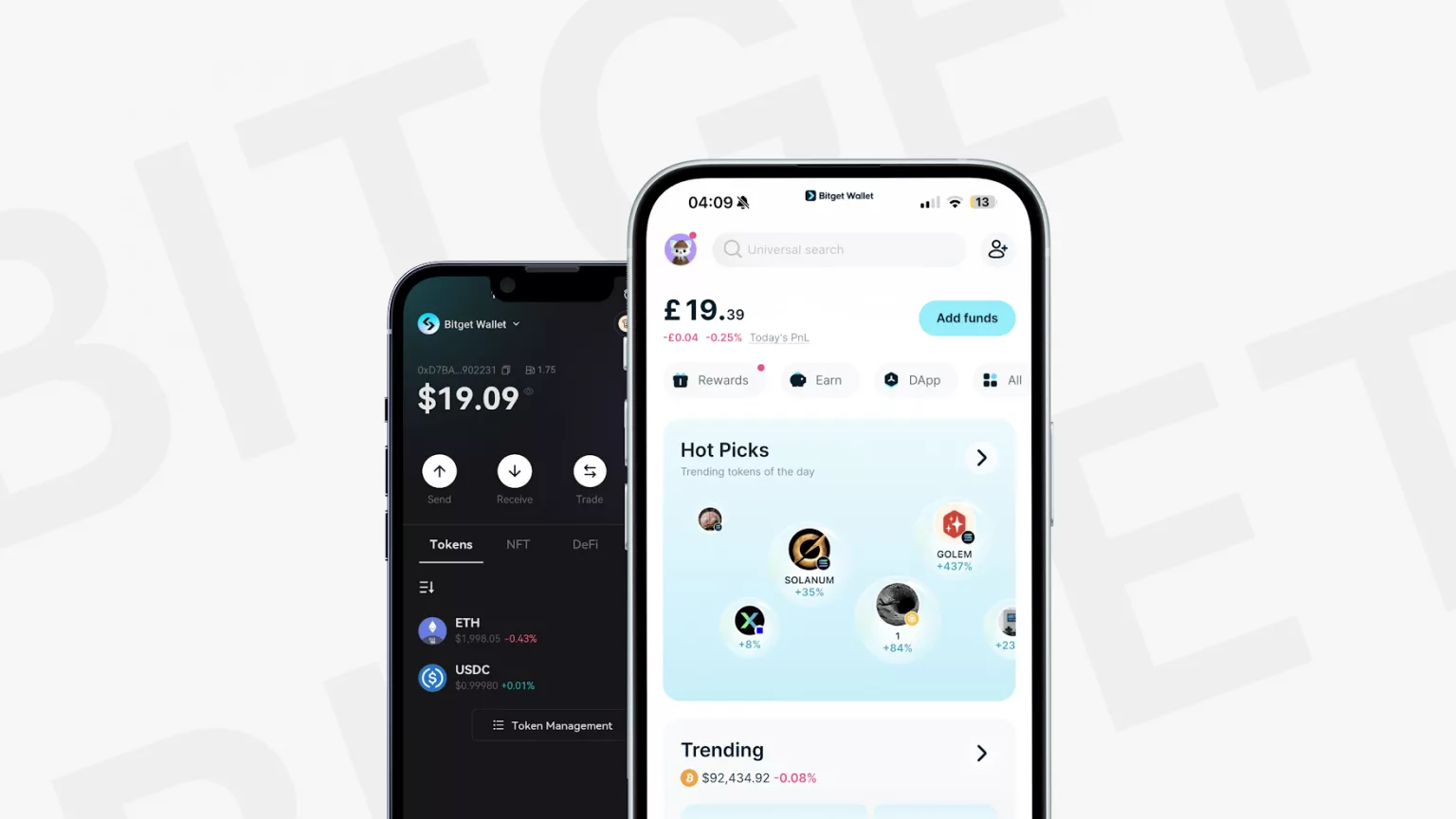
Bitget Wallet is a good fit for a media buyer who is comfortable with crypto and doesn’t stick to a single network. Payouts arrive on different blockchains, and sometimes you need to swap an asset or transfer funds to another address. The wallet includes built-in tools for swaps and cross-chain operations.
For payments to multiple people, there is a Batch Transfer feature. It lets you add addresses and amounts to prepare a bulk payout. A useful option for anyone whose list of contractors no longer fits into a single message.
For everyday purchases, there is the Bitget Wallet Card. You can apply for it in supported countries.
Bitget Wallet has plenty of additional features, so it takes a little time to get familiar with it. For an active user, it’s a useful toolkit. But if you just want to receive USDT and get on with your day, part of the menu will remain in the “I’ll look at that someday” territory.
3. Exodus
If you see your laptop screen more often than the sun, Exodus could easily become your work wallet.
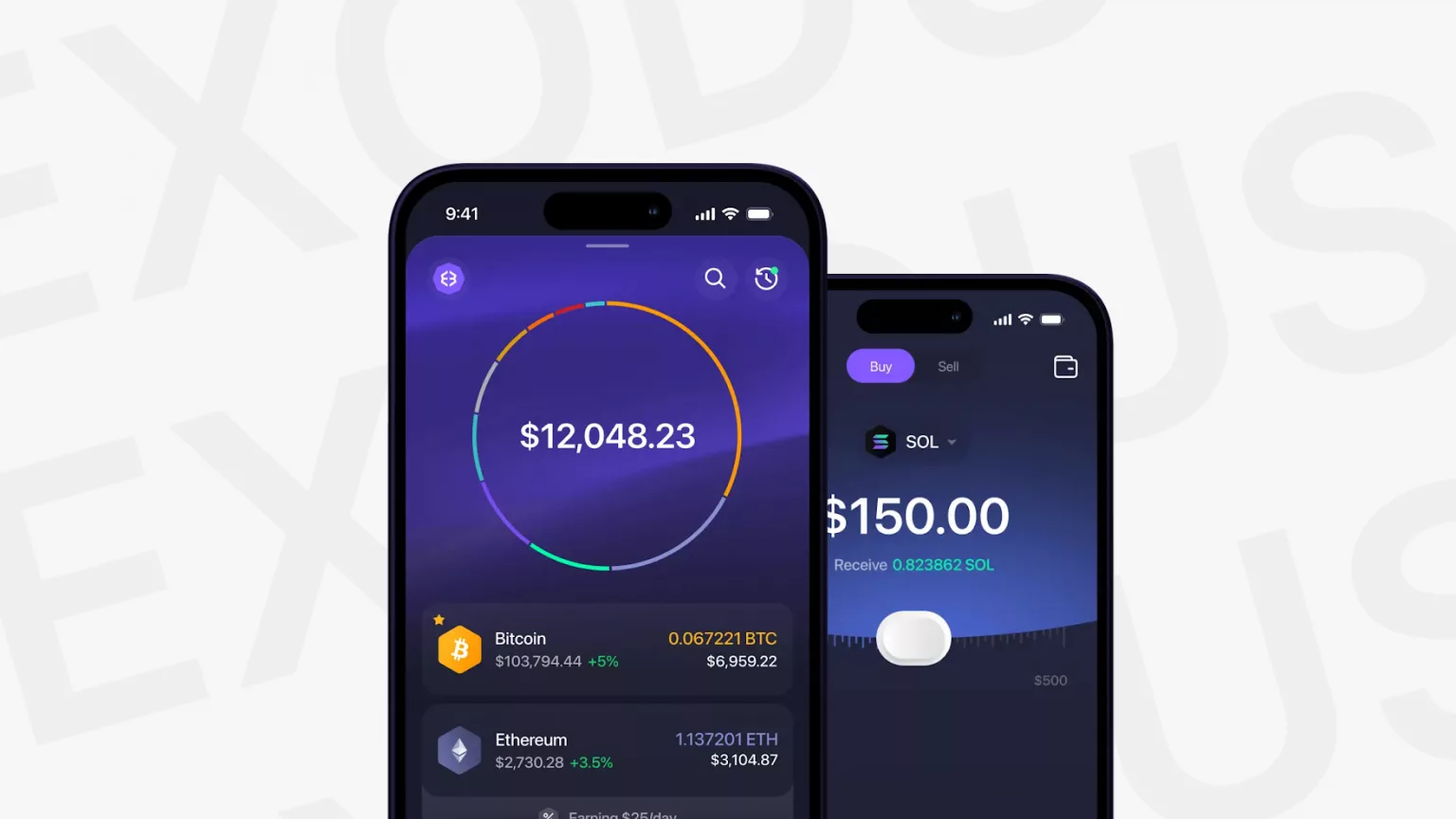
The desktop version makes it easy to view assets, incoming funds and payment history. There is also a mobile app that can be synced with your computer.
For expense tracking, you can export your transaction history as a CSV file. When it’s time to reconcile payments at the end of the month, that transaction file comes in handy. Your memory might insist that “it wasn’t much,” but the spreadsheet sometimes has a different opinion.
Exodus supports stablecoins across several networks and includes a built-in asset exchange. For person-to-person transfers and purchases, there is Exodus Pay with a payment card.
The main advantage of Exodus is its full-featured desktop version. If you handle most of your finances on a computer, the wallet will fit right in alongside your tracker, ad accounts and the dozens of other tabs you have open.
4. Trust Wallet
Every affiliate program has its favourite network. Apparently, they have no plans to agree on one.
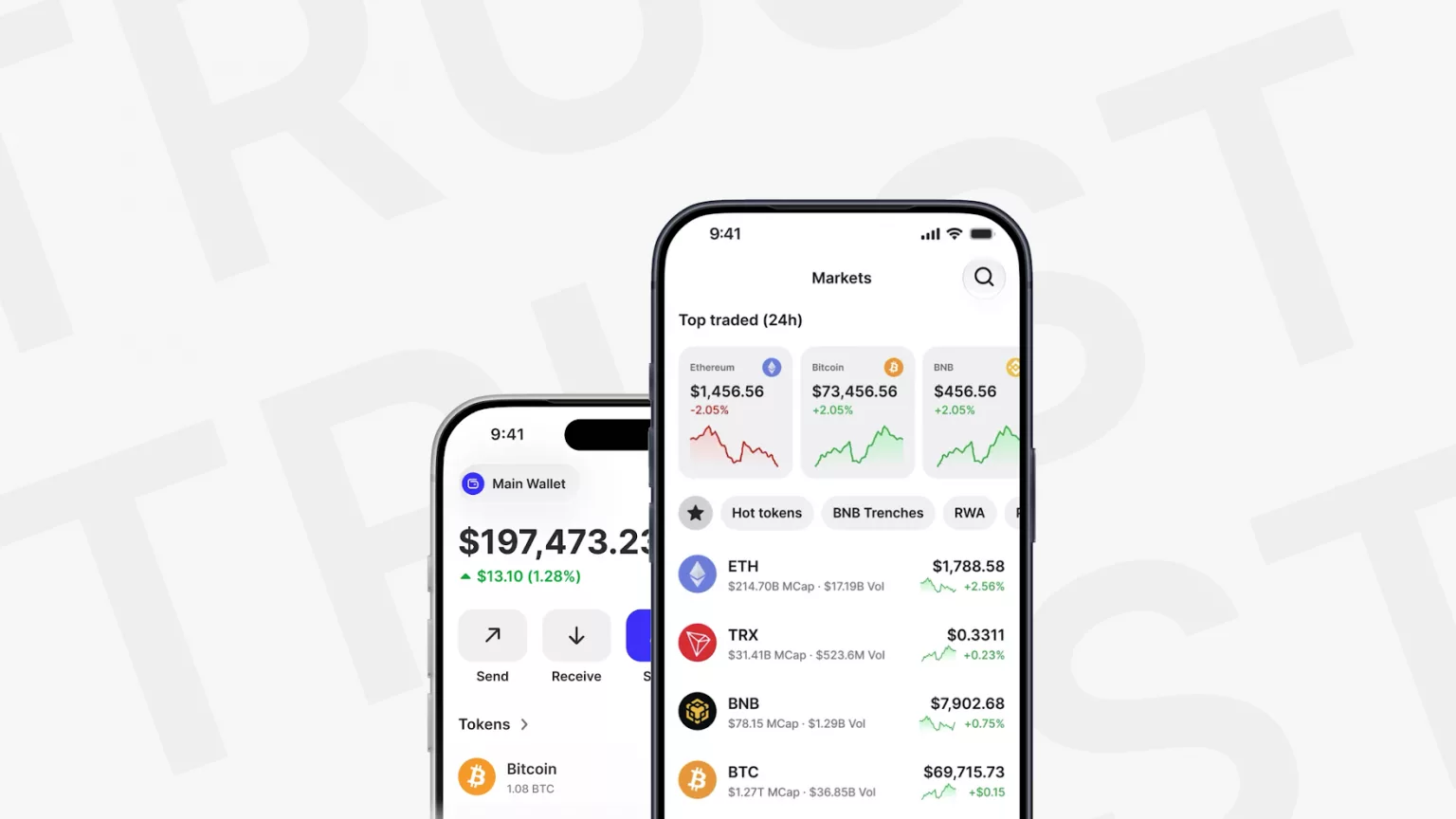
Trust Wallet supports more than a hundred blockchains, including Tron, Ethereum and Solana. This lets you receive payouts from different senders in one app, provided the relevant versions of the tokens are available in the wallet.
There is also a built-in asset exchange and a browser extension. You can perform some operations on your computer and others on your smartphone.
For supported transactions, the FlexGas feature allows you to pay network fees using stablecoins, among other options. Having money in your wallet but being unable to transfer it because you’re a few cents short in another coin is a special kind of blockchain humour.
Trust Wallet is primarily a choice for receiving, storing and transferring cryptocurrency. If you already have a convenient way to pay for everyday purchases, that separation may suit you just fine.
5. MetaMask
If you not only drive traffic to crypto offers but also use DeFi protocols yourself, MetaMask hardly needs an introduction.
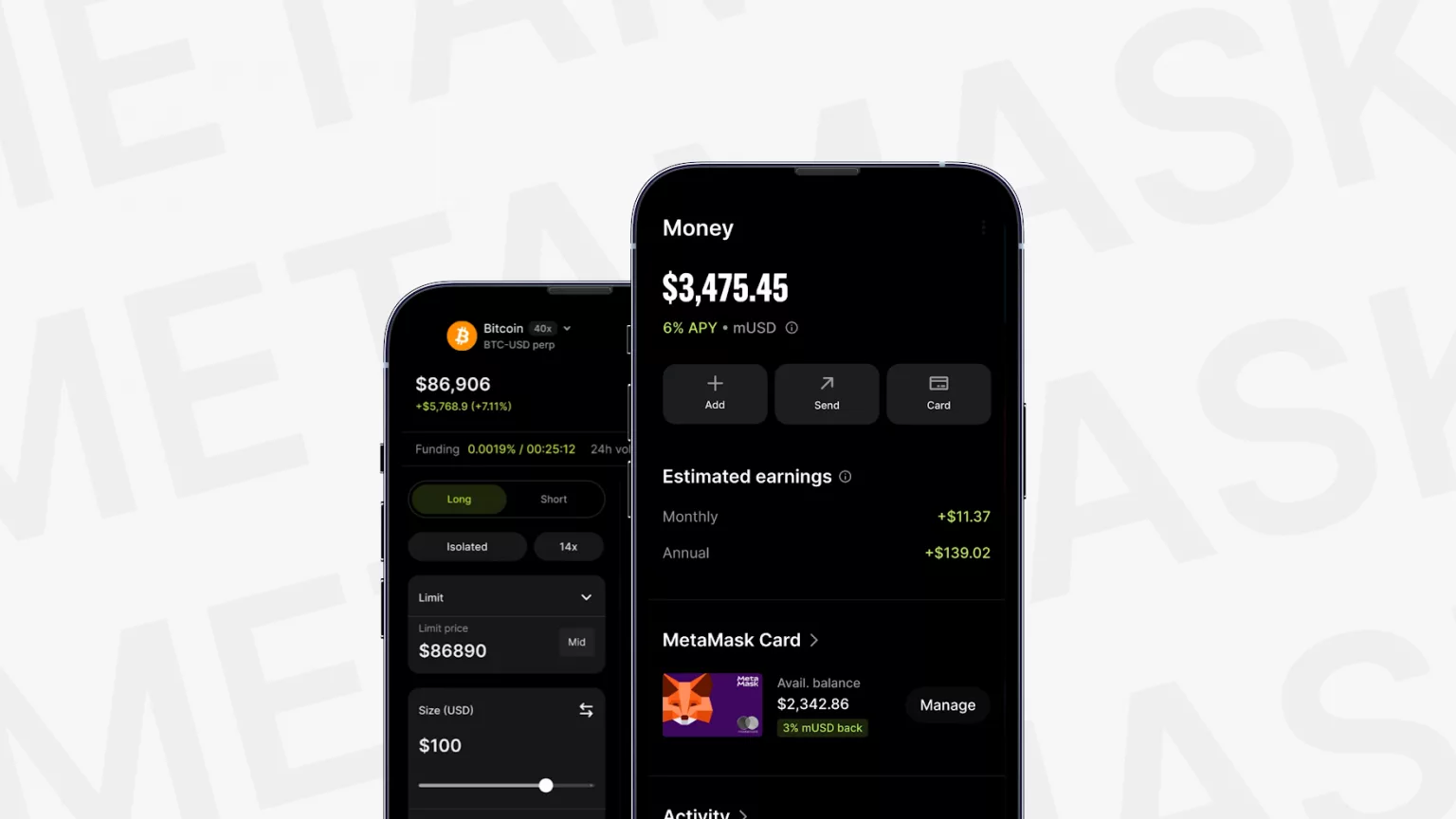
The wallet allows you to connect to decentralised applications, swap tokens, and receive and send cryptocurrency on supported networks. It is available as a mobile app and a browser extension.
For purchases, there is the MetaMask Card with Apple Pay and Google Pay support. It’s a useful addition for those who already actively use the wallet.
MetaMask comes into its own when its extra capabilities are genuinely useful in your work. If all you need is to receive an affiliate payout and pay your designer, something simpler may suffice.
You already have enough interfaces to figure out after every update.
6. SafePal
If you finally have some money you don’t want to pour straight back into traffic, take a look at SafePal.
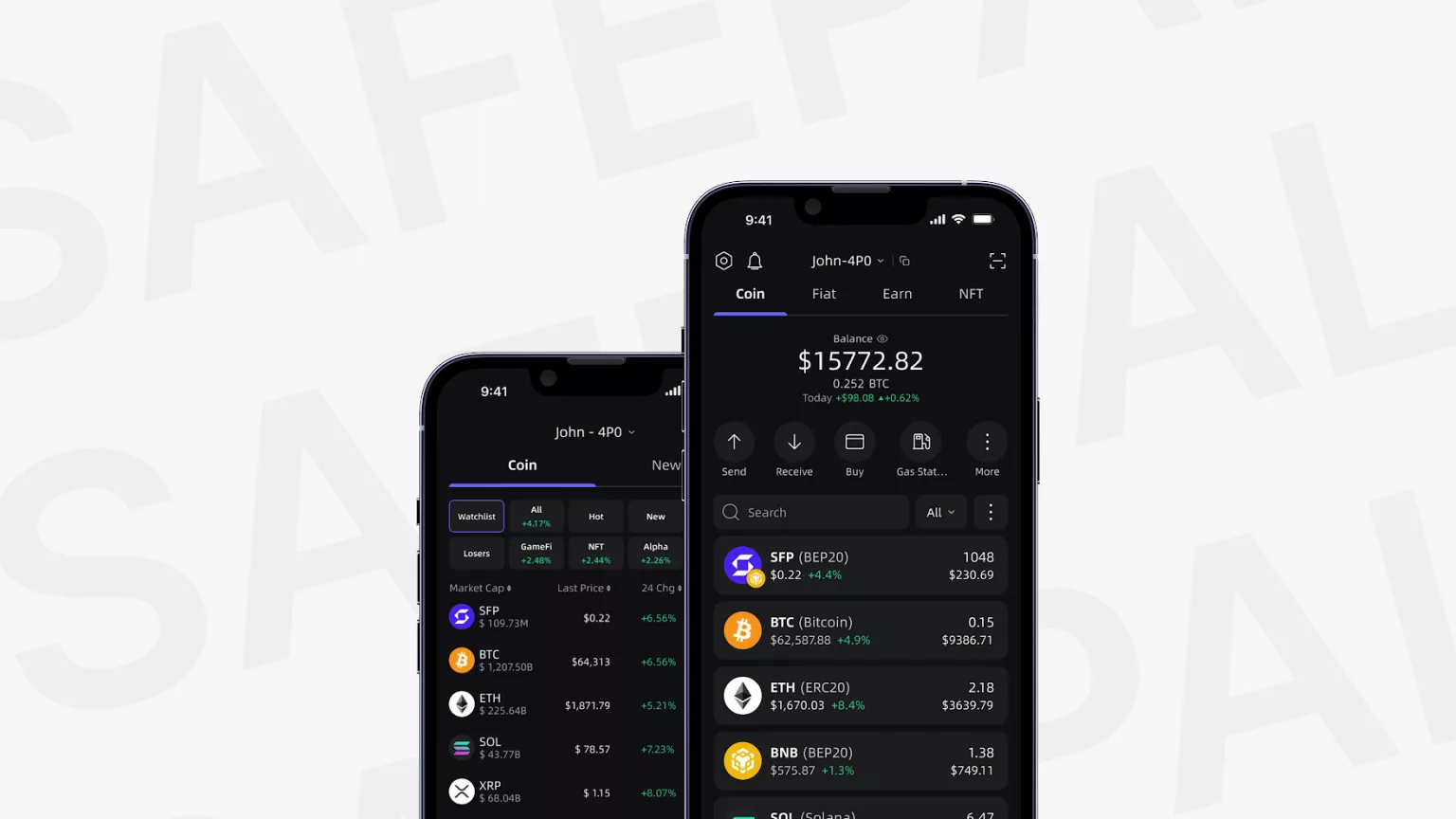
You can start with the mobile app. It allows you to receive, send and exchange cryptocurrency, including stablecoins on supported networks.
SafePal also offers hardware wallets that can be used to store reserves separately. You don’t have to buy one straight away — you can do so later when the need arises.
This approach helps separate working capital from savings. And it might just protect the latter from a suddenly brilliant idea to test a new offer at two in the morning.
The app also includes a card service for purchases. Overall, SafePal suits those who are starting to think not only about how to earn money, but also about how to keep it.
How to choose a crypto wallet without losing part of your profit
In affiliate marketing, tracking expenses is standard practice. Outside the ad account, however, that habit sometimes disappears. That’s a shame, because choosing the wrong wallet can also affect profitability.
Before entrusting it with your next payout, pay attention to a few things:
- Calculate the entire journey your money takes, from receipt to final payment. A dollar here, two there, a little more on exchanges — over a month, it adds up to a budget for testing new creatives;
- Find out which blockchains your affiliate programs pay on and which ones your contractors accept. Fewer unnecessary swaps and transfers mean fewer associated costs;
- Paying one designer is easy. But when your team has ten people, batch payouts and fee-free internal transactions start saving real time;
- Check who controls the private keys, how to recover access to assets and what security measures the service offers. And don’t test a new address by transferring your entire balance. You have an ad account for experiments;
- Check regional restrictions, verification requirements and financial transaction limits. It’s better to find out about them before receiving a payout than when you urgently need to pay your team.
It’s also worth thinking separately about how you allocate your funds. Working capital, personal money and reserves serve different purposes. If you keep everything together, after your next round of scaling you might suddenly discover that your profit exists only in a screenshot.
You don’t have to limit yourself to one wallet. For example, Trustee Plus can be used for regular payouts, team payments and everyday purchases, while a separate non-custodial or hardware wallet can be used to store reserves.
Let traffic be your only headache
A good crypto wallet doesn’t necessarily have to support hundreds of blockchains and dozens of DeFi protocols. What matters more is that it meets your actual needs and doesn’t complicate your workflows.
If you need a versatile everyday tool, it’s worth starting with Trustee Plus. And the time you used to spend on transfers and exchanges is better spent looking for a new profitable campaign setup. Or at least getting some sleep.